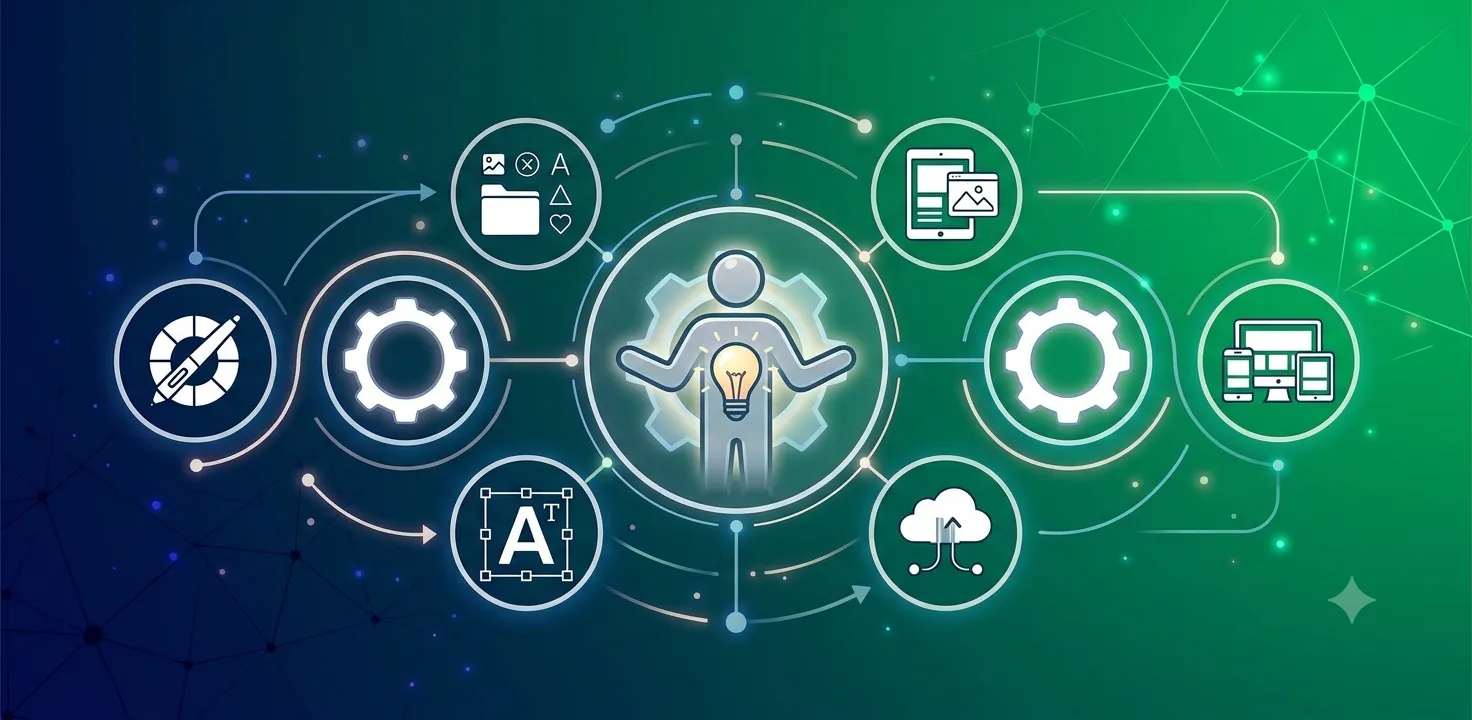
A step-by-step guide to applying Human-centered Design (HCD) principles to workplace digital signage, from inspiration through implementation.
Every screen in your building is really a conversation with a person – an employee looking for a meeting room, a new hire trying to learn the culture, a manager hoping a safety message actually lands. Human-centered Design (HCD) is a framework built on that simple idea: put people, not pixels, at the center of every decision. When you apply HCD to digital signage software, you stop guessing what your audience wants and start designing for what they actually need, which makes for messages that get noticed, understood, and acted on.
This guide brings together everything you need to put HCD to work for your employee communications strategy, whether you are launching a new signage network or trying to get more value out of the screens you already have. We will walk through the four stages of HCD, as defined by design pioneer IDEO, i.e. Inspiration, Ideation, Prototyping, and Implementation, and show how each one maps to real digital signage decisions.
What Is Human-Centered Design, and Why Does It Matter for Digital Signage?
Human-centered Design is a problem-solving approach used across architecture, product design, and wayfinding, and it is built around a deceptively simple discipline: ask the people you are designing for what works, then design around their answers instead of your assumptions. IDEO, one of the field’s pioneers, breaks the process into four stages: Inspiration, Ideation, Prototyping, and Implementation. Each stage moves you a step closer to communications that genuinely resonate.
Digital signage is a natural fit for HCD, because it is one of the few workplace channels people cannot opt out of. Signs sit in the lobby, the break room, and the hallway, whether or not anyone asked to see them, so getting the message design right matters. HCD also connects directly to employee experience, since a signage strategy that respects how people actually think, move, and make decisions becomes part of a workplace that feels considered, not just wired.
Stage One: Inspiration – Get to Know the People Behind the Screen
The Inspiration stage is where you gather the raw material for everything that follows: data, impressions, quotes, and observations about how people actually experience your digital signage. HCD calls this “framing your design challenge,” but for a communications team, it is really about framing your communication challenge.
Frame the Communication Challenge
For a single message, boil the essential information down to as few words as possible, then build the design around them. Ask what you want your audience to do, and think through several ways you could get them there. Make sure the important words are visually accented, whether through bold text, a larger font, or placement where the eye naturally lands. Consider whether an image would reinforce the message better than text alone, and think through scheduling too, i.e. the best time of day, how often it repeats, and which screens should carry it.
The same thinking applies at the system level. Where should displays go? What size and orientation make sense in a given space? Should the lobby carry a large video wall, or would a series of smaller screens and interactive kiosks better support how people actually move through the space?
Ask the Five Whys
When a message is not landing, do not stop at the first explanation. Ask why, then ask why again, drilling down four or five times until you reach the real root cause. Are people ignoring a call-to-action because the font is too small? Why is the font too small? Because there was too much text for the space. Why was there too much text? Working backward like this uncovers fixable problems that a surface-level review would miss.
Let Your Audience Take the Pictures
Ask a handful of employees to photograph anything on the digital signs that catches their eye, good or bad, using their own phones over the course of a few days. Someone who snaps only one photo has told you that only one thing appealed to them. Reviewing these images together, along with the stories behind them, is one of the richest and least biased ways to learn what is actually working.
Interview with Intention, Not Interrogation
Talk to your audience directly wherever possible, and build a lightweight feedback system for everyone else. Keep interviews to no more than three facilitators, give each person a clear role, and hold sessions on neutral ground rather than a manager’s office. Group interviews often work better than one-on-ones, since people bounce ideas off each other and quieter participants feel more comfortable contributing. Mix power users with occasional viewers so you get the broadest possible picture.
Make Feedback Fun, Not a Chore
Involving people should never feel like another directive from above. Gamification is a proven way to turn feedback and calls-to-action into something people want to engage with, especially when there is a real prize at stake. It also builds a sense of community, since even the people who never enter the contest hear others talking about it and feel part of the experience.
Stage Two: Ideation – Turn Insights into Concepts
Once you have gathered information, it is time to give it form. Ideation is where scattered observations become concepts you can actually build and test.
Download Your Learnings
Get the team together and, one by one, have each person share what they learned on sticky notes, along with how and from whom they learned it. As notes accumulate on a shared board, start grouping them by similarity and connection. Do this while impressions are still fresh; the patterns that emerge are the foundation for everything that follows.
Bundle Ideas into Frameworks
Combine two or three related notes into a single, more complex theme. Diagrams, matrices, or Venn diagrams can help the patterns become visible, and as themes solidify, workable solutions start to surface on their own.
Shape Concepts Around “How Might We…?”
Refine your bundled ideas into concepts by framing each as a question that starts with “How might we…?” That question becomes the engine for the rest of the ideation process, and the strongest answers usually combine several small observations into one coherent idea.
For example, suppose your data shows that high-contrast colors get noticed, complicated charts get ignored, and longer, linked campaigns are more memorable than one-off messages, and your goal for the month is cutting power usage. Those insights point toward a simple, high-contrast mascot campaign rather than a dense usage chart. If your audience actually prefers real-time data dashboards, the same process would point you in the opposite direction. Either way, the concept follows the evidence rather than a guess.
Try a Mash-Up
Ask what one thing would look like if it behaved like another. If employees love Instagram and you want more traffic at the on-site café, ask what an “Instagram version” of the café would look like. Mash-ups like this surface ideas, such as shareable food photos or a build-your-own-order feature, that a straightforward brainstorm would probably miss.
Design for Them, Not for You
Keep asking whether an image could carry the message better than words, and how the design will actually read on the screens you have. Every choice should trace back to what your audience told you they notice and remember, not to what looks impressive in a design review.
Stage Three: Prototyping – Test Before You Launch
Prototyping is where ideas meet reality on a small, low-risk scale. The goal is interaction: with your messages, your calls-to-action, and your screens.
Role-Play the Ideal Interaction
Before involving anyone else, have your team act out the interaction you are hoping for. If a message includes a QR code, walk through scanning it exactly as an engaged employee would. This quick exercise often exposes friction points that are invisible on a design mockup.
Put Ideas in Front of Real People
Ask a few of the employees you interviewed earlier to walk past a single display carrying your new message, without warning them in advance, and observe how they actually respond. Testing a mascot or logo works the same way: put it on a hat, a shirt, or a poster and watch the reaction before committing to a full rollout.
Iterate, Then Go Live
Fold that feedback into a second, refined prototype, then move to live prototyping by putting the message on multiple screens and observing whether people stop, look, and follow the call-to-action. Piloting on a small scale first keeps the risk low while you spot-check with brief, three-question interviews and keep refining.
Bring In Stakeholders and Champions
Loop in content creators, IT, and department leaders at this stage, since fresh eyes often surface ideas or constraints no one else has considered. The more people who feel invested in the process, the more effective the result, and every rollout benefits from a champion who can build excitement around the new campaign internally.
Stage Four: Implementation – Launch, Measure, and Keep Listening
Once a message or campaign has been through Inspiration, Ideation, and Prototyping, it is ready to launch, but the work does not stop there. Keep measuring how people respond, and use real-time dashboards and data visualization where it helps make results visible to your team as well as your audience. Every campaign, successful or not, becomes a data point that sharpens the next one, which turns HCD from a one-time project into an ongoing communications habit.
Why HCD Matters More in Today’s Workplace
Hybrid schedules, generational differences, and shifting expectations around transparency all mean that a single, one-size-fits-all message rarely lands the way it used to. Our podcast on understanding organizational culture and employee types explores how different personalities and roles absorb workplace communications differently, which is exactly the kind of insight HCD is designed to surface and act on.
Bringing HCD to Life with the Right Digital Signage Software
None of this works without a platform flexible enough to support it. Scheduling by time and audience, building interactive content, pulling in live data, and iterating quickly all depend on having digital signage software built for exactly this kind of experimentation. The best HCD process in the world cannot succeed on a system that cannot keep pace with what you learn from it.
Human-centered Design is not a one-and-done project; it is a mindset for employee communications that keeps people, not screens, at the center of the strategy. Start small, ask often, and let what you learn from your audience shape what they see next.
For a deeper look at how these principles apply to the broader employee experience, our white paper, The Modern Workplace: Human-Centered Design, walks through how organizations are rethinking space, communication, and technology around the people who actually use them every day.