Best Cloud Based Digital Signage Software
AxisTV Signage Suite digital signage software gives you easy, powerful solutions to deliver visual communications that connect and engage your viewers wherever they are.
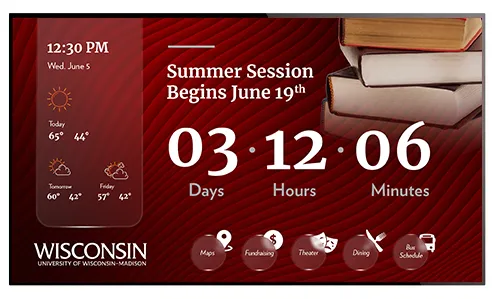
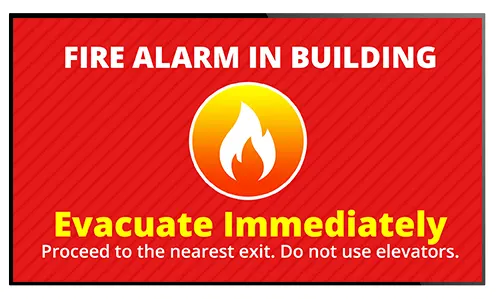
Our cloud-based content management software gives you an array of content sources, smart playlists, flexible scheduling and multi-user licenses to attract viewers, connect people and drive results. Deliver 100+ media types like messages, countdowns, videos, alerts, realtime data and event schedules with user-friendly digital signage solutions.








ENTERPRISE CMS
An integrated, enterprise solution to centralize your visual communications in one app
SUBSCRIPTIONS
Choose software and hardware as a service, and get affordable content feeds
USER FRIENDLY
Our intuitive UI lets you craft messages, schedule media, and broadcast alerts quickly
DATA DISPLAY
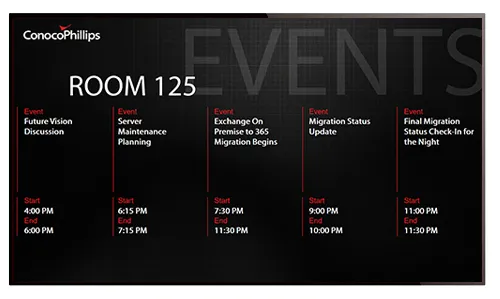
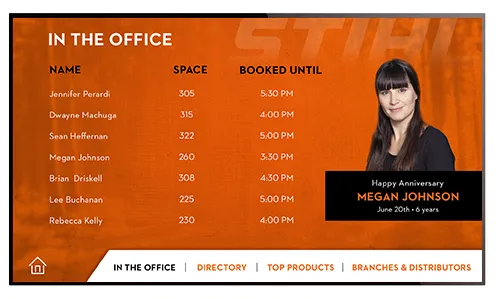
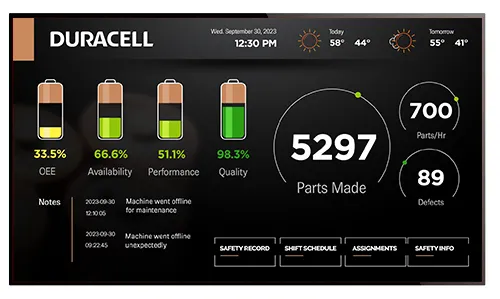
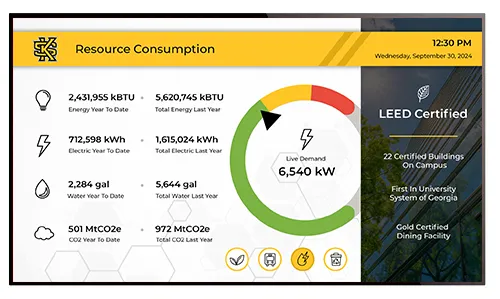
Show real-time schedules, reservations, and data feeds as text or visualizations
BROAD REACH
Reach remote employees on webpages, intranets, desktops & mobile devices
ONBOARDING
From training to design to tech help – we’re here to help you communicate better
Enterprise Digital Signage Solutions
Digital signage is vital for informing, educating, updating, and communicating in today’s busy, tech-focused world. But, to communicate effectively with your audience, you need to do more than simply post news on TV screens. You need stunning visuals and info-rich immersive experiences that connect viewers with your message and your brand.
With Visix web-based digital signage software , you can manage all of your visual communications from a single, centralized point while allowing individuals and groups to choose their level of participation. And you’re not tied to a desktop – you can manage your content through the cloud from any device with web access, so more people can contribute.
Craft visual communications to capture attention, increase engagement and reach more people using friendly workflows and elegant design tools for engaging content customized to your audience, whenever and wherever they are.
What people say about our digital signage software…
Signage for the Digital Workplace
Our powerful digital signage platform is flexible enough to fit every budget and industry, whether you want easy day-to-day communications using simple slides, or deep data dives with customized data integration and visualizations on screens. Check out the many things you can accomplish with digital signage:
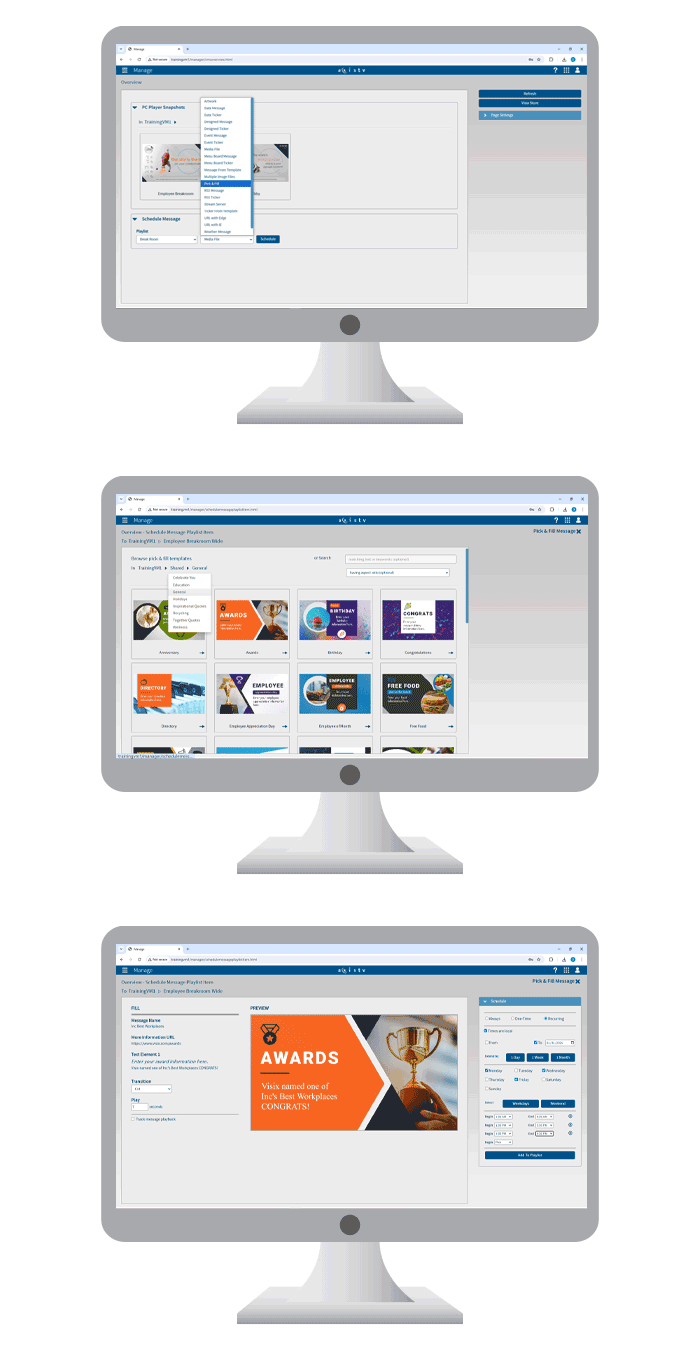
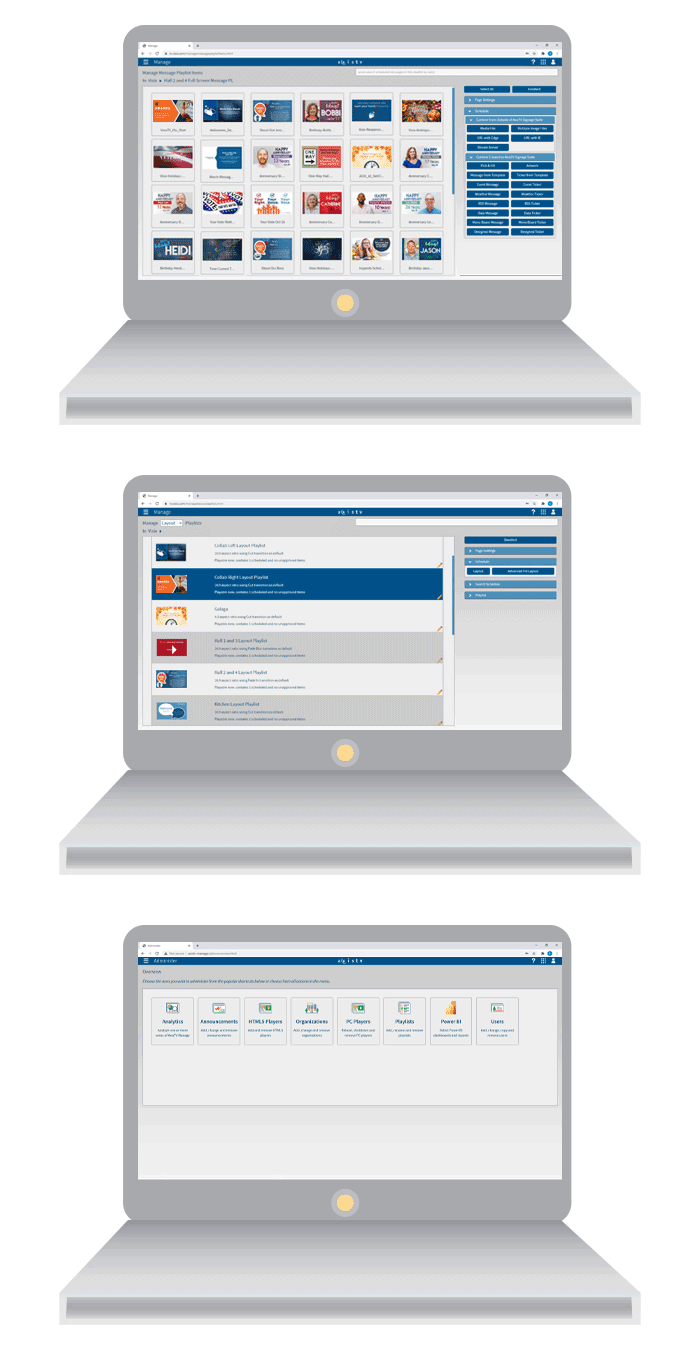
- Manage playlists and schedules from any web browser
- Choose from hundreds of fill-in templates in the CMS for quick messaging
- Drag media files directly into playlists for faster scheduling
- Use drag-n-drop widgets to design messages, templates and layouts
- Feed playlists with media files managed in a shared network folder
- Customize data display from calendars, Excel, XML, JSON and more
- Include hot spots or a voice user interface for interactive digital signage
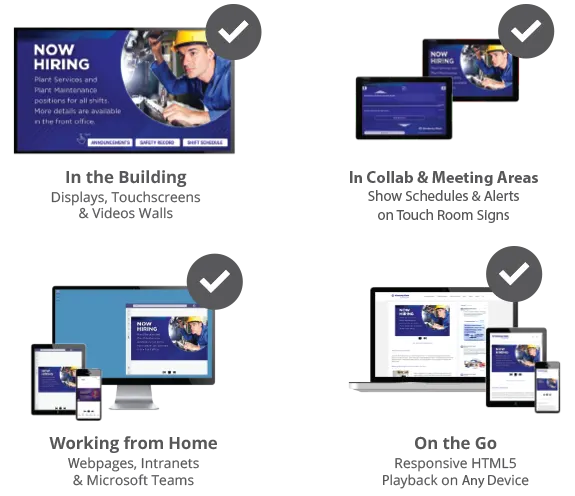
- Publish to HTML5 playlists for webpages, email and mobiles
Reach the Right People with the Right Message Wherever They Are
You communicate with multiple audiences both onsite and off, so you need a digital signage system that’s easy, accessible and scalable enough to connect people and ideas across your entire organization.
Whether you’re messaging to just one screen, to locations around the globe, or in a hybrid workplace, our digital signage software gives you easy user controls to create stunning visual communications for higher engagement, morale and motivation. Target different audiences with messaging that's relevant to them.
Amplify your communications to reach staff, students and visitors wherever they are with consistent messaging across unlimited screens, touchscreens, video walls and room signs on site, and send playlists to webpages, intranets, desktops and mobile devices. Anything with a screen can be a digital sign.
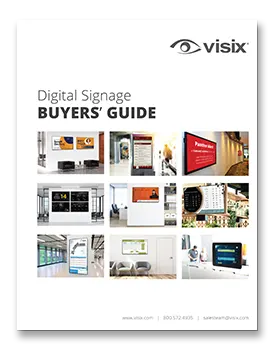
FREE GUIDE:
Digital Signage Buyers' Guide
In our free Digital Signage Buyers' Guide, we’ll walk you through the core features of digital signage systems, bottom-line benefits, content ideas, and what you need to build a successful system.
Intuitive User Management
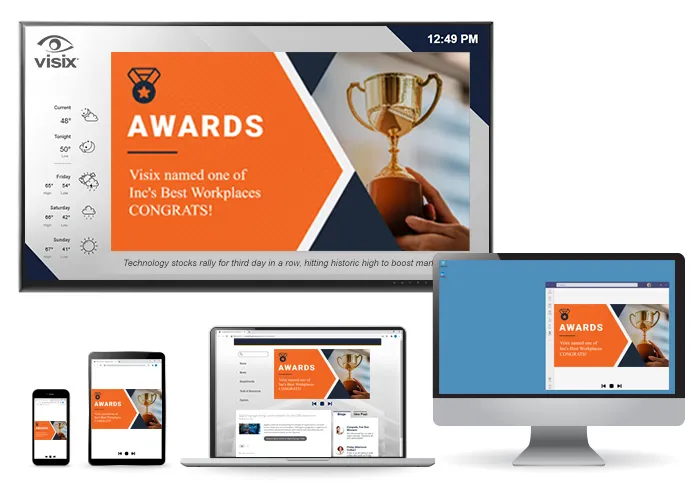
Let more people contribute content without cluttering your user management. Organize users into organizations and sub-organizations in our CMS. Group users by departments, locations, teams or privileges. Tailor user permissions and approval workflows.
Powerful Data Integration Tools
We offer more data presentation options than anyone else. And integrating with external apps is quick and easy. Pull info from your data sources and make on-screen data visualizations even more powerful using conditional logic tools (“if this, show that”).
Affordable, Ready-Made Content
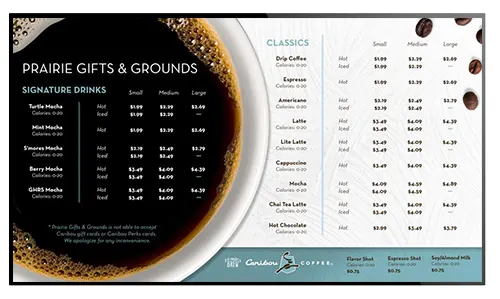
Don’t have the time to design content from scratch? You don't have to. Our digital signage design experts have created a variety of artwork packs and content kits to help you get started. We also offer content subscriptions for as low as 33 cents a day.
Read Visix Client Stories

Jackson
EMC
Content is customized to screens across multiple facilities and updated daily.

Manufacturing Showcase
Digital signs improved visibility to production metrics in two countries

Georgia State University
Digital signage reduced poster printing costs by more than 40% in one year.
Hall County Schools
Read about digital signage rolled out to 200+ schools for district-wide messaging.

Franklin County Supervisors
Using digital signage at government facilities and the library.

Central Baptist Hospital
Engaging visitors in waiting rooms, lobbies and meeting areas.
Holiday Inn (Blair Hotels) Cody
Improving the guest experience with event schedules on displays.

Vermeer Southeast
Digital signage as a communications tool with customers and employees.
Frequently Asked Questions
What is digital signage software?
Digital signage is any screen where you show visual communications. Digital signage software is the app you use to create and schedule your messages to multiple screens, what we call "content management". Our cloud based digital signage software enables users to control what they want to show, where and when. With our suite of digital signage applications, user-friendly tools and powerful features, you can engage more viewers with less work. See how our powerful digital signage platform works here.
How many people can contribute content?
You can create as many user accounts as you like. Because the signage software is cloud-based, people can log in and manage internal communications from any web-enabled device. You can assign different permissions to different users, and group user accounts into teams or departments. This enables users to focus on their own dynamic content. And, it's easy to expand if you want to add more users. Find out more about our digital signage solution licensing here.
Why choose Visix software?
Visix has been given multiple awards for best digital signage software. Not only do we have decades of experience and great products, we’re also dedicated to ensuring your digital signage succeeds. Our professional services team will work with you to set up your digital signage software and content for maximum impact. In fact, each Visix client gets a dedicated client success manager to help with onboarding and adoption. And, our award-winning support team is always on hand to help. Learn about our services.
Can I host my digital signage in the cloud?
Yes. We offer an easy cloud-based digital signage software subscription so you don’t have to worry about buying and managing a content server. We handle all of the maintenance and monitoring so you don’t have to. However, we want to be sure you get the best digital signage software solution for your environment. If a cloud subscription isn’t right for your organization, we offer an on-premise digital signage software solution where you can buy a server bundled with our signage software, or software-only for your own machines.
Can I show event schedules and other data feeds?
Yes, you can! Our digital signage software easily integrates with most popular calendar apps, and we have a wide variety of data widgets to let you pull in schedules, stats and KPIs from a number of sources. Set up your messages, map them to your data source and watch your digital signage systems update automatically as info at the source is updated. Learn more about our widgets here.
How do I start a sign design?
You can work from our starter content and templates, import content packs and kits, or build your own screen designs from scratch. It's easy to simply upload and schedule graphics, HD videos, presentations and more right in the CMS. Our drag-n-drop widgets make building messages and layouts fast and easy. You can combine multiple widgets in one digital sign design and set up automated feeds that run themselves. We’re also happy to help create content for you. Browse all of our content solutions here.